These maps are live right now
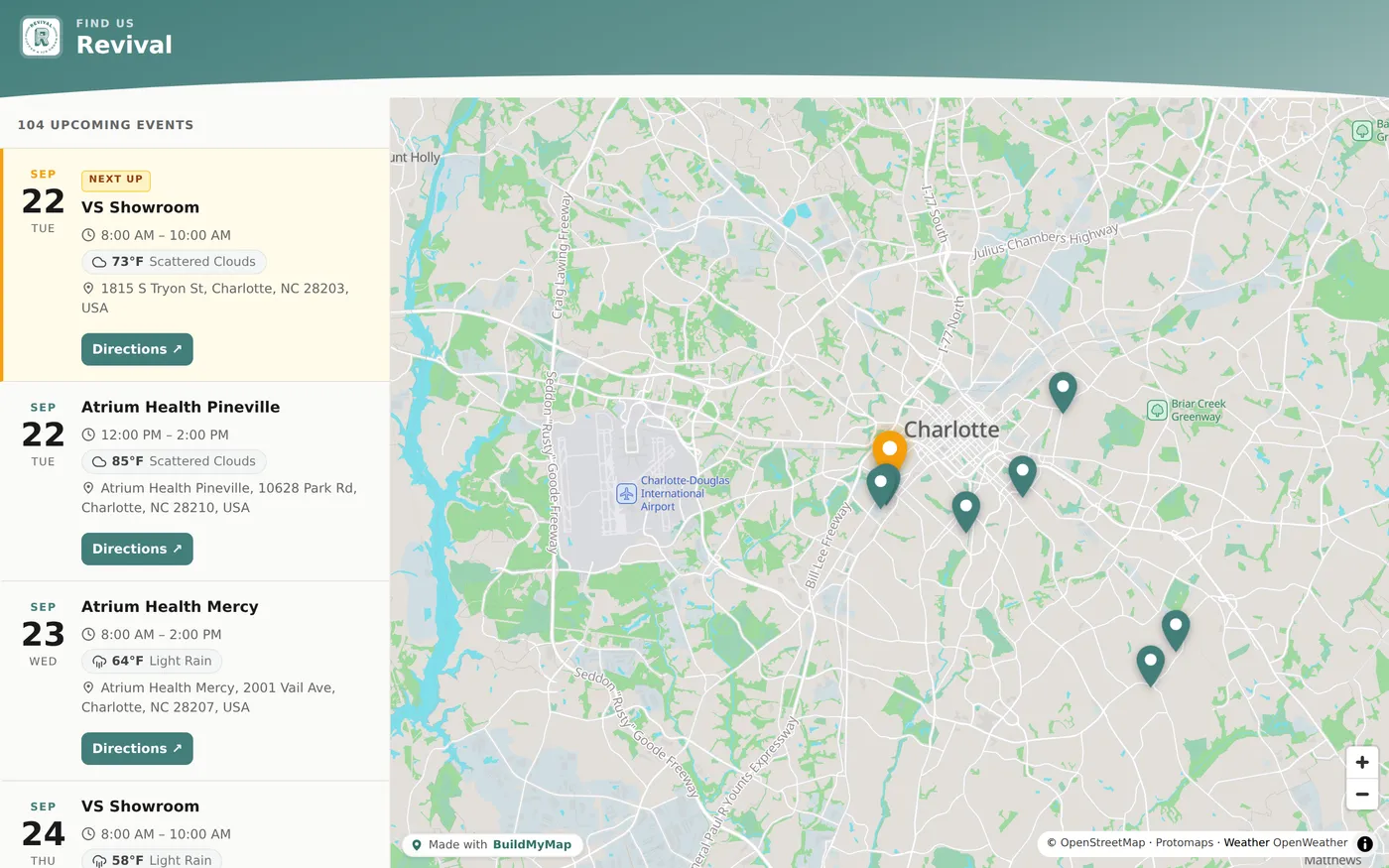
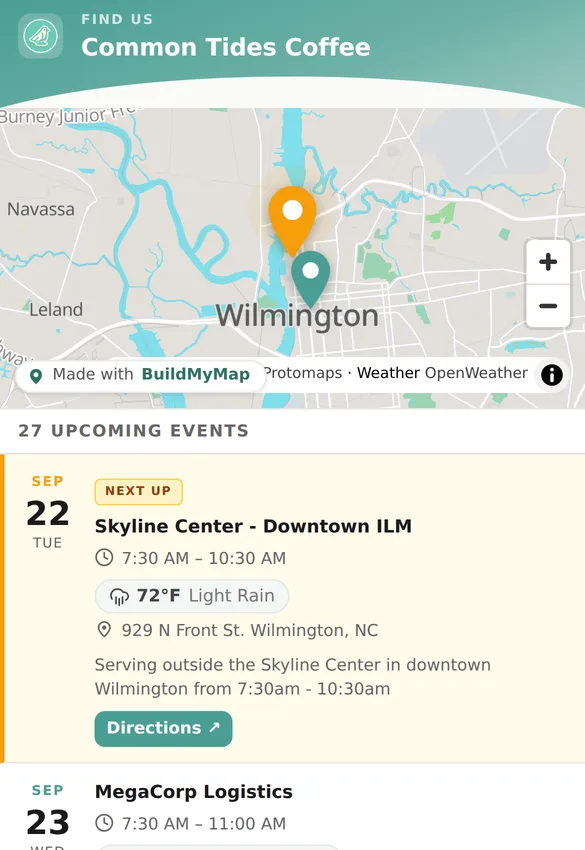
Real businesses, real schedules, pulled straight from their calendars. Click around, they work.
Your branding, on every screen
Two real businesses, captured today. Their logo, their colors, their calendar. Nothing here is a mockup.
How it works
We build it with your branding
Your name, your logo, your colors. The map looks like part of your business, not a widget somebody bolted on.
It syncs to your calendar
Keep using the Google Calendar you already have. Add a stop, move a stop, cancel a day. The map follows along by itself.
It goes everywhere you are
Paste one line into Wix, Squarespace, or WordPress. No website? Your map is its own page. Put the link in your Instagram bio or on your Google profile.
Questions owners ask us
How do I show customers where my food truck will be?
Your BuildMyMap page is a live map of your upcoming stops. Share the link, put it on your website, or drop it in your link in bio. Customers always see the current schedule without you posting anything.
Can I put my schedule on my own website?
Yes. You get a small embed code that works on WordPress, Squarespace, Wix, and just about any other site. Paste it once and the map lives on your page. Our step by step guide shows exactly how for each platform.
Does the map update automatically from my calendar?
Yes. Connect the calendar you already keep and the map stays in sync by itself. Change or cancel a stop on your calendar and the map follows.
Do I need a developer to set this up?
No. If you can copy and paste, you can add your map. Most owners are fully set up in an afternoon.
What if I do not use Google Calendar?
Any calendar that can share an iCal feed works, and you can also add stops by hand in the builder. Recurring weekly stops are handled automatically.
How much does BuildMyMap cost?
Regular pricing is $200 setup and $24 a month. The first 15 clients lock the founding rate: $150 one time for setup (with your first month of hosting included), then $19 a month, billed on the same day each month starting the month after your map goes live. Founding clients keep that rate for as long as they stay subscribed.
Ready to put your business on the map?
Founding rate for the first 15 clients: $150 setup with your first month included, then $19 a month ($50 and $5 off the regular $200 + $24). Most maps are live within a day or two.
Get startedSee pricing · Already purchased? Enter your access code